Google Maps
Google LLC
3.2
Détails de la Version
| Pays de l'Éditeur | US |
| Date de Sortie dans le Pays | 2019-10-25 |
| Catégories | Travel & Local |
| Pays / Régions | US |
| Site Web du Développeur | Google LLC |
| URL de Support | Google LLC |
| Évaluation du Contenu | Everyone |
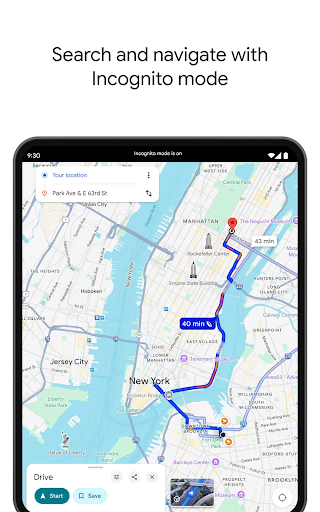
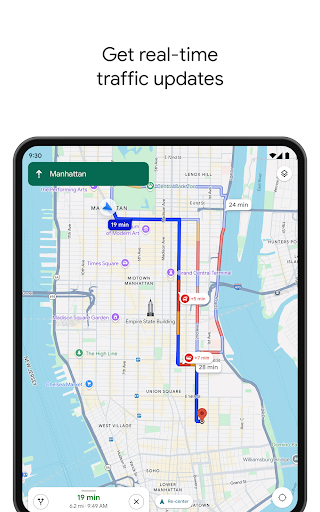
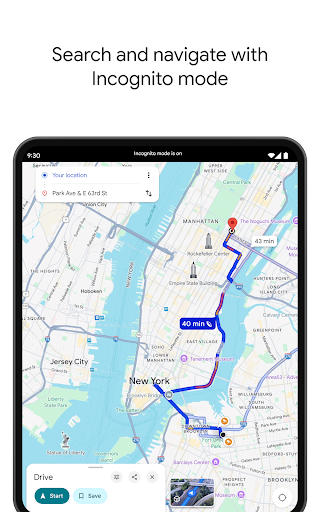
Explore and navigate the world with confidence using Google Maps. Find the best routes with live traffic data and real-time GPS navigation for driving, walking, cycling, and public transport. Discover over 250 million businesses and places - from restaurants and shops to everyday essentials – with photos, reviews, and helpful information.
Navigate the world, the way you want:
• Get to where you need to go with fuel-efficient route options
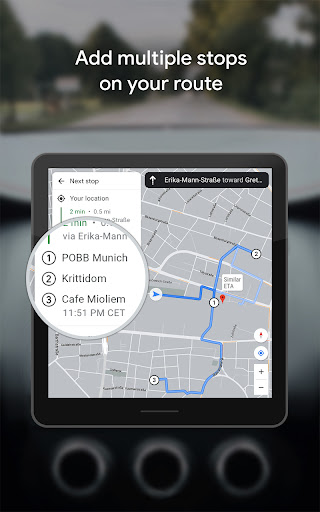
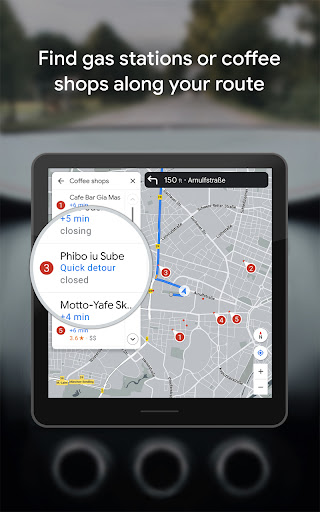
• Find the best route with real-time, turn-by-turn voice, and on screen navigation
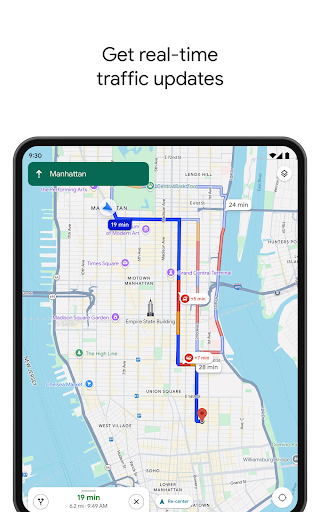
• Save time with automatic rerouting based on live traffic, incidents, and road closures
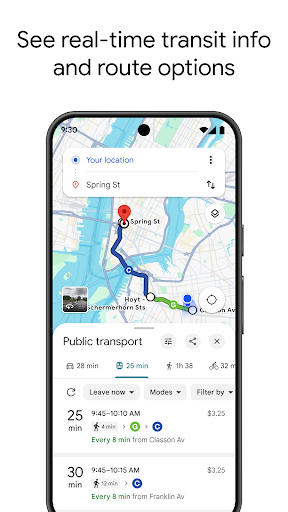
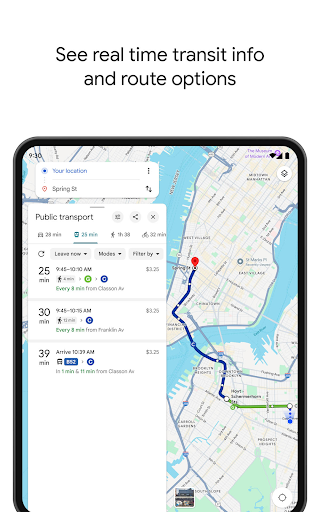
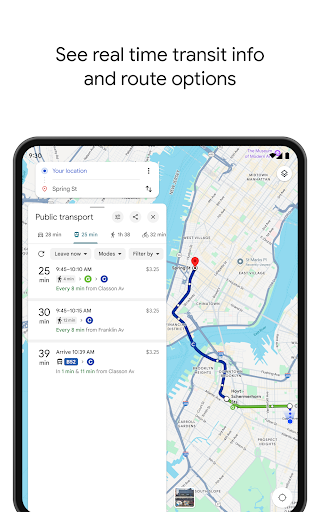
• Catch the bus, train, and ride-share effortlessly, with real-time updates
• Find bike or scooter rentals to get around more easily
Plan trips and experiences effortlessly:
• Preview an area before you go (e.g. parking, entrances) with Street View
• Use Immersive View to experience what landmarks, parks and routes look like, and even check the weather so you can be ready in advance
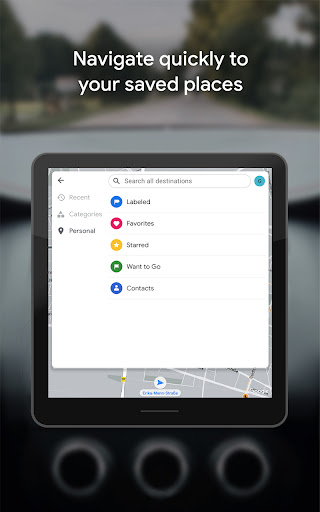
• Create custom lists of your favorite saved places and share with others
• Order delivery and takeout, make reservations, and book hotels
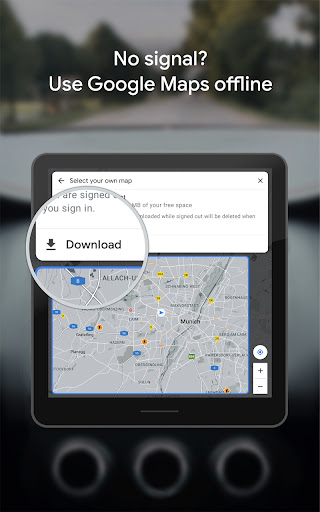
• Don’t get lost with offline maps in an area with bad signal
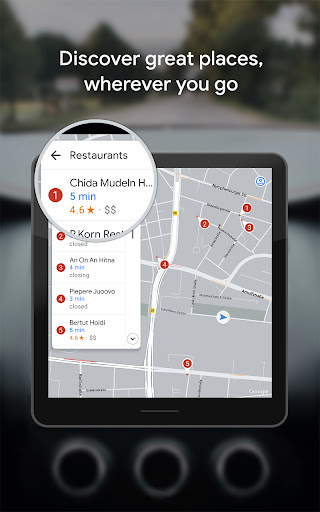
• Search for local places and things to do, and decide based on user reviews and photos
Discover and explore like a local:
• Explore with confidence knowing 500 million users contribute and keep the map up to date each year
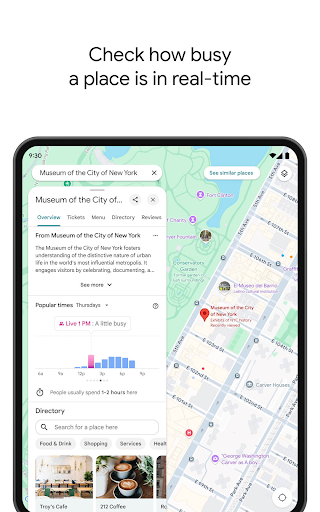
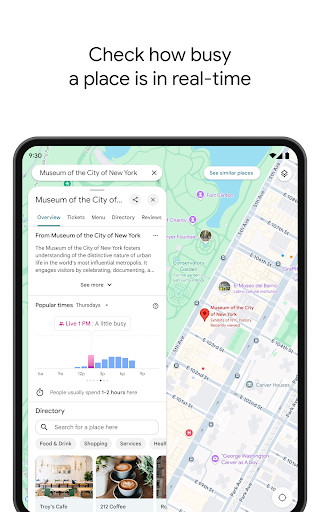
• Avoid the crowds by seeing how busy a place is before you get there
• Use Lens in Maps to see walking directions overlaid on the real world
• Filter restaurants by cuisine, hours, price, rating and more
• Ask questions about a place, from dishes to parking, and get quick answers
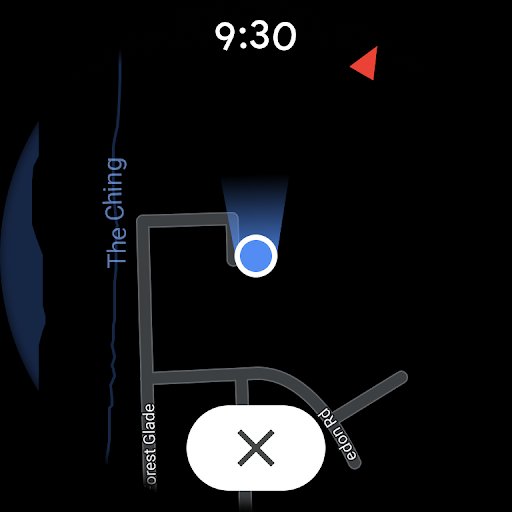
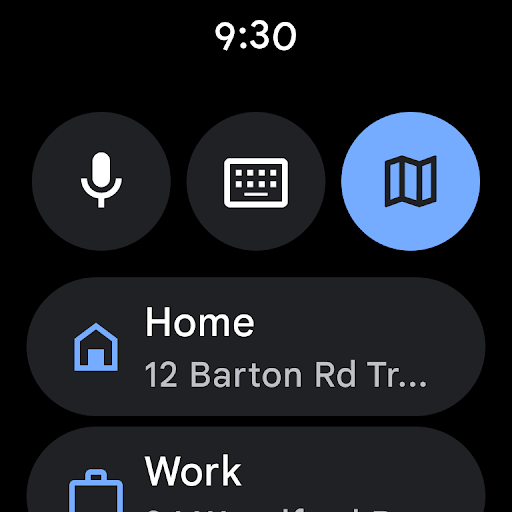
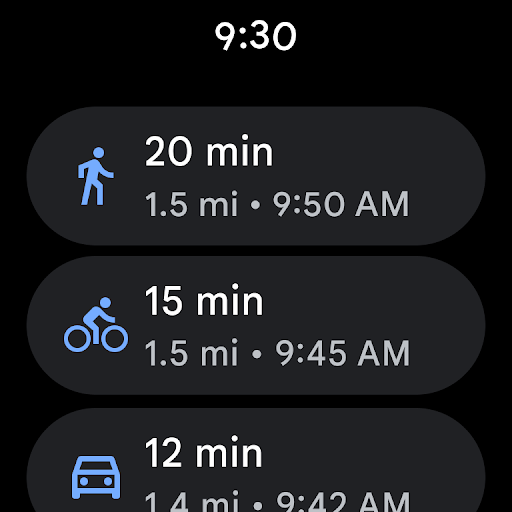
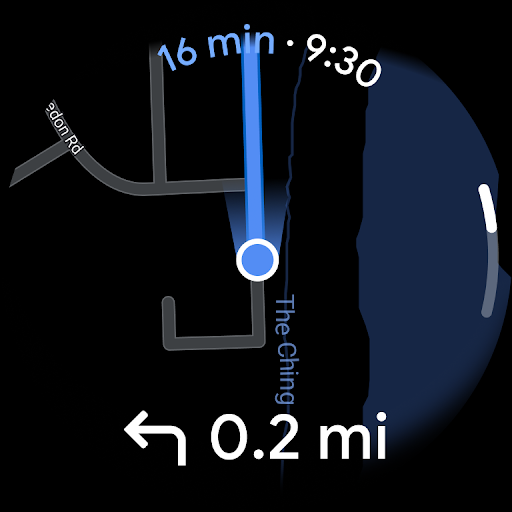
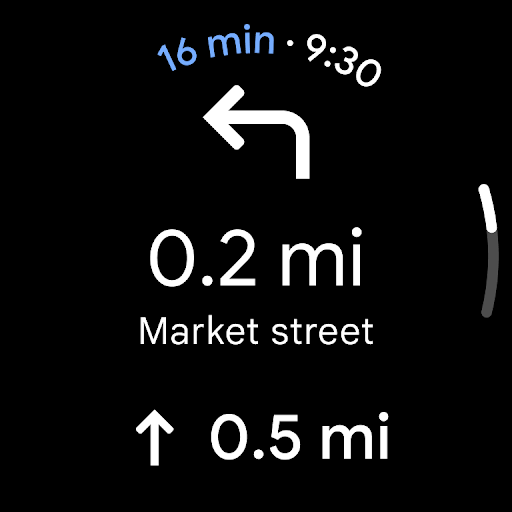
Add tiles and complications to your Wear OS device to quickly search and navigate.
Some features not available in all countries or cities
Navigation isn’t intended to be used by oversized or emergency vehicles
Download Google Maps
Not Available
Évaluation Moyenne
19.39M+
Répartition des Évaluations
Avis Sélectionnés
Par Nick
2026-04-10
Version 26.14.09.891313448
designcontentserviceupdates_and_maintenanceuser_data_and_privacyThe last few years of updates have each been making the app considerably, steadily worse instead of better. It's so hard to find names of streets, cities, and businesses. I.E., you know where something is, but want it to pop up, so you can plot a route, or check information on a business. It is absurd how far you have to zoom in before it may, if it feels like it, even show up at all. Usually, it won't show up even fully zoomed in. Also, business pages are so cluttered they're almost useless.
Par Spencer Cashdollar
2026-04-21
Version 26.15.01.894202351
performance_and_bugsupdates_and_maintenancecomparative_feedbacki don't know how an app like this manages to become worse with every update. nearly useless at this point, you're better off with a paper map. Today it routed me to the middle of an interstate, nowhere near an exit, and said I'd arrived at my destination. A few days ago it only offered one route through backroads no matter how many times i tried to hit the alternate route button. I took the highway route i already knew, and unsurprisingly got there in less time and distance. Absolute Trash 0/5 ⭐
Par Rachel Patrick
2025-11-03
Version 25.43.04.821534312
performance_and_bugsfeature_requestsThe app is unusable. No matter where I'm going it will take me the most backward, long way to get me there. Sometimes even the wrong way altogether. Even right here in town it's has 3 specific streets it dictates you to take no matter where you're going, which are nowhere Near where you're trying to get. There's no way to select a 'shortest' vs 'quickest' route. I've done everything I can. Turned off all the gas saving, toll settings, avoid highways, hob settings, cleared maps cache.
Captures d'Écran